Weather Search
I developed a web application using Python and the Flask framework to perform server-side scripting, integrating the Tomorrow.io API to retrieve and display weather data. The webpage allows users to search for weather information, with results presented in both card and tabular formats, along with detailed daily weather insights.
This project involved gaining hands-on experience with Python, Flask, Google APIs, Tomorrow.io API, and HighCharts Service. It emphasized creating dynamic web pages with HTML, CSS, JavaScript, DOM manipulation, JSON handling, and XMLHttpRequest objects. Additionally, I worked with JSON parsers in both Python and JavaScript and deployed the backend on AWS providing practical cloud development experience.
The project offered valuable exposure to web development, cloud deployment, and API integration.
Request access for source code!
WHO:
Me!
WHEN:
Fall 2024
Search Form
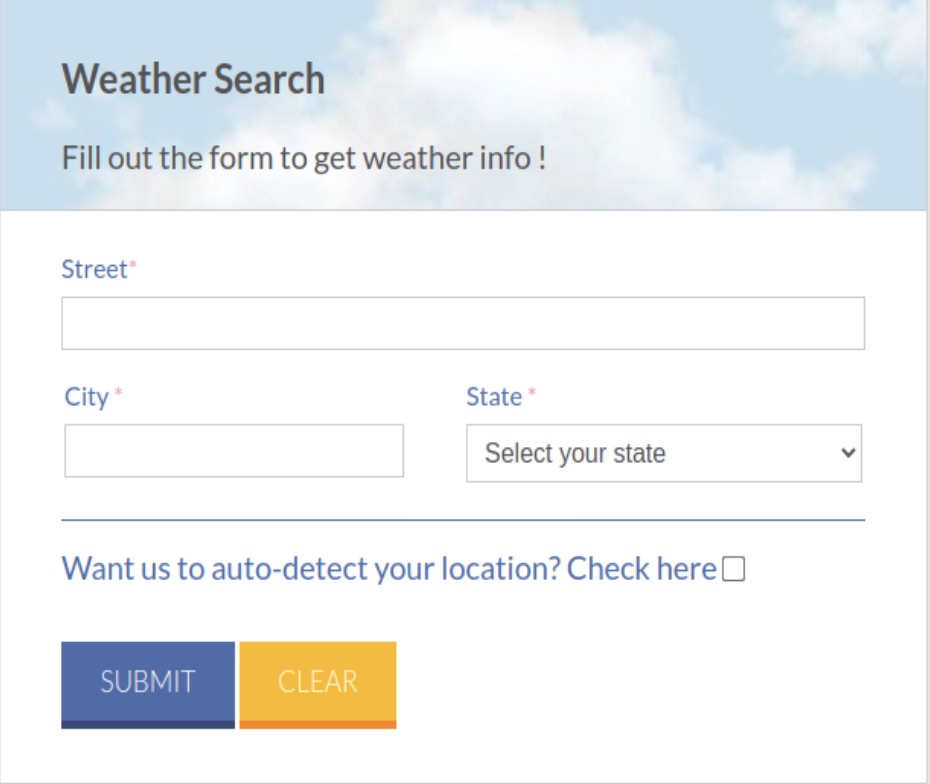
Search Form Functionality for Weather Information Retrieval
The web application includes a dynamic search form that provides weather information based on user input or geolocation. When the user opens the webpage (e.g., weather.html), they can choose to fetch their geolocation using the ipinfo.io API by selecting the location checkbox.
If this checkbox is checked, the fields for Street, City, and State are cleared and disabled. Otherwise, the user can manually enter their Street, City, and State to search for weather details.
The search form features two buttons:
- SUBMIT Button: Clicking this button triggers a search for the specified location. If valid input is provided, the client-side JavaScript sends a GET request with the form data to the Python Flask backend. The backend retrieves the inputs, sends them to the Tomorrow.io API, and returns the weather information. If the form is submitted without providing required input (Street, City, or State) or checking the location checkbox, an error tooltip highlights the missing fields.
- CLEAR Button: This button clears the result area and resets all fields in the search form to their default values. The CLEAR functionality is implemented using a JavaScript function.
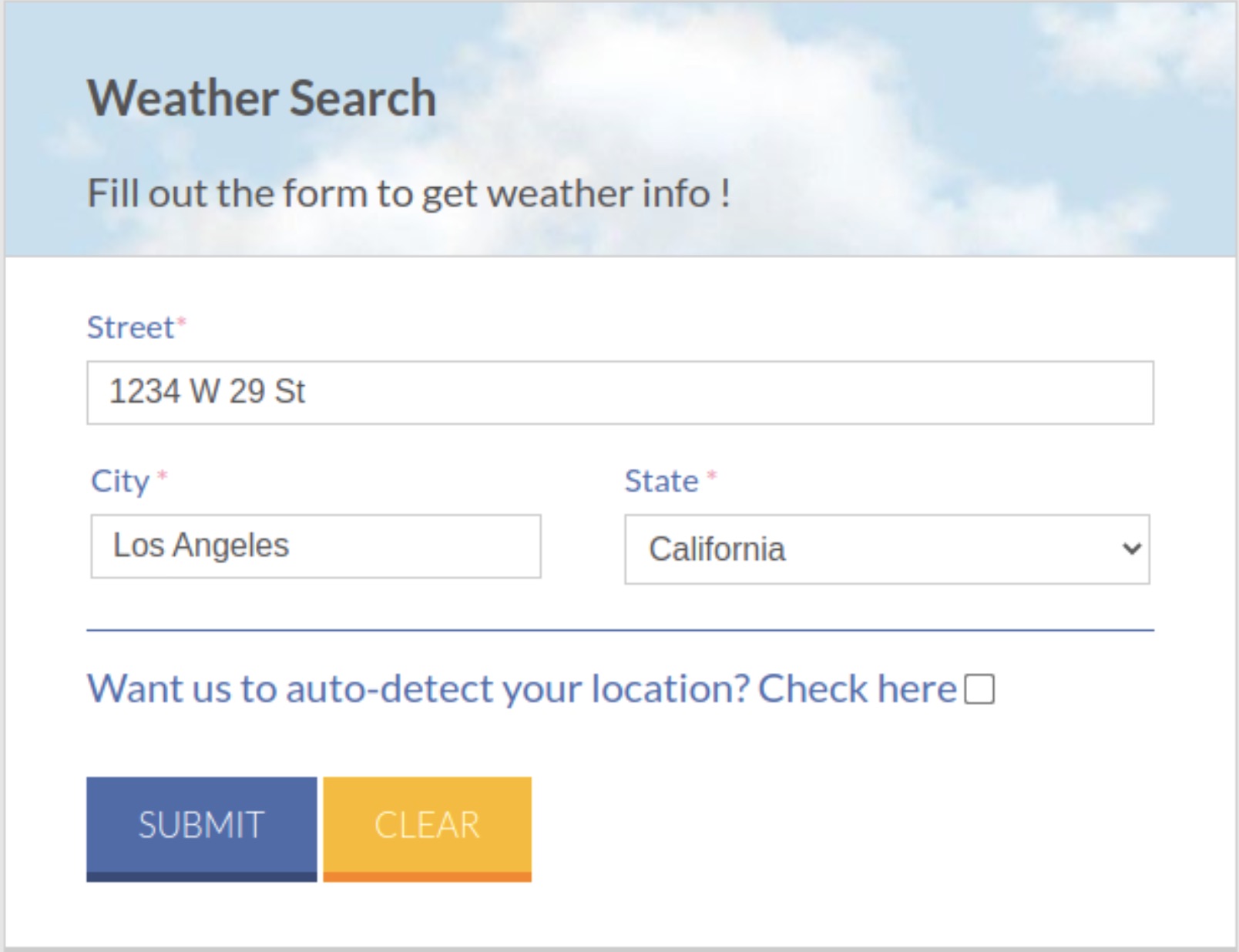
An Example of a Valid Search
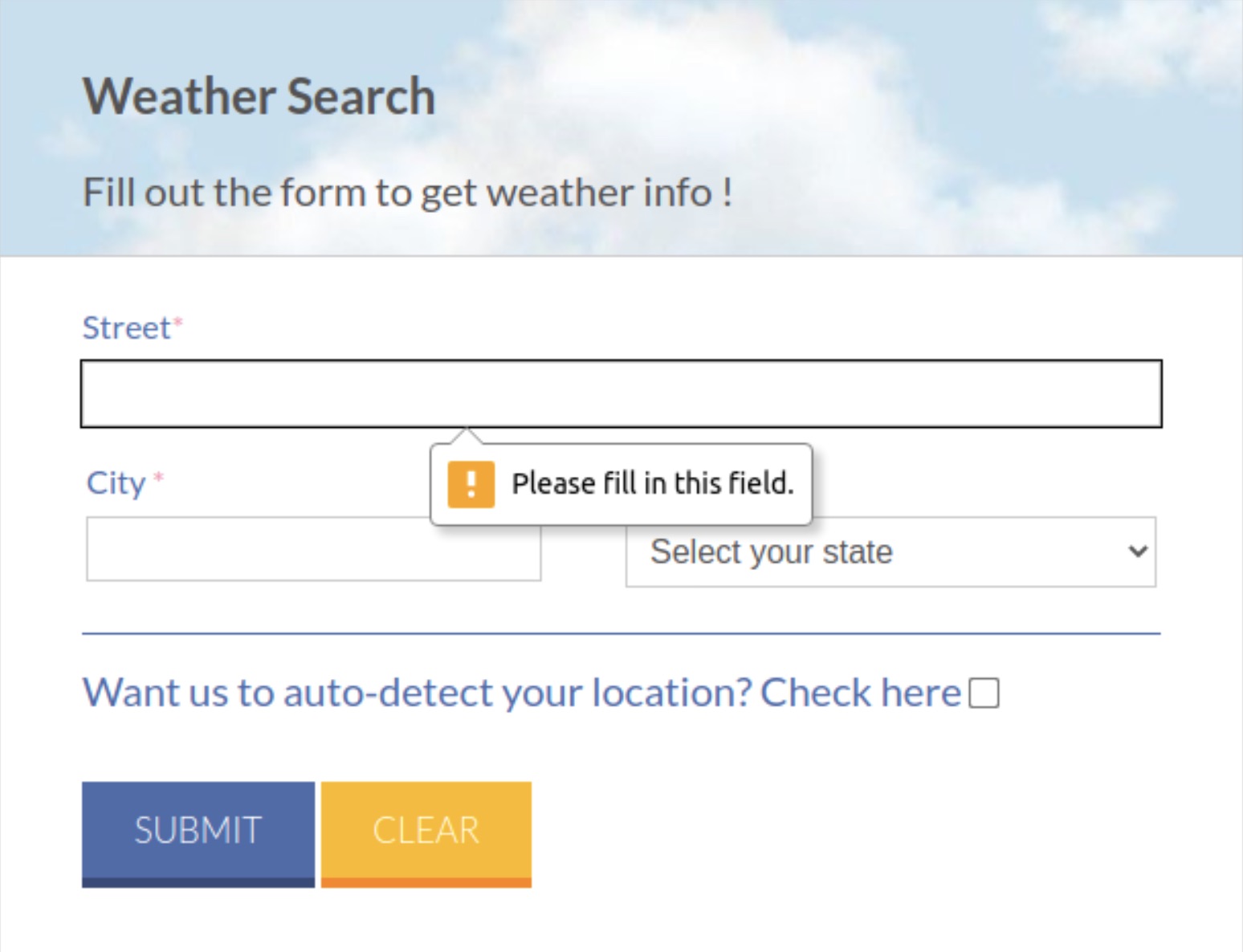
An Example of an Invalid Search: Users are reminded of missing or invalid search fields
Geocoding & Weather Data Retrieval
There are 2 ways for users to search for weather information: Traditional Street Address or IP Address
The application displays weather results by leveraging form inputs to construct RESTful API calls to the Tomorrow.io service.
If the user enters Street, City, and State information, the client JavaScript first geocodes the address using the Google Maps Geocoding API. This API converts the address into geolocation coordinates required for the weather query. The Google Maps Geocoding API expects the following parameters:
- Address: The street address formatted according to the national postal service standards.
- Key: Application's API key
The geocoding response includes the latitude and longitude, which are then used to query the Tomorrow.io API.
The Tomorrow.io API Retrieve Timelines service retrieves weather data based on these coordinates. The API requires the following parameters:
- apiKey: Authentication key for managing access and quotas.
- locations: Geolocation coordinates (latitude and longitude)
- fields: Weather attributes such as temperature, temperatureApparent, temperatureMin, temperatureMax, windSpeed, windDirection, humidity, pressureSeaLevel, uvIndex, weatherCode, precipitationProbability, precipitationType, sunriseTime, sunsetTime, visibility, moonPhase, and cloudCover.
- timesteps: Data granularity, such as 1h for hourly data or 1d for daily summaries.
- timezone: Time zone for the data, using "America/Los_Angeles."
- units: Measurement units, set to "imperial."
The Python Flask backend handles these API requests, processes the JSON responses, and extracts relevant weather details. The extracted data is sent to the frontend in JSON format, where JavaScript further processes it for display.
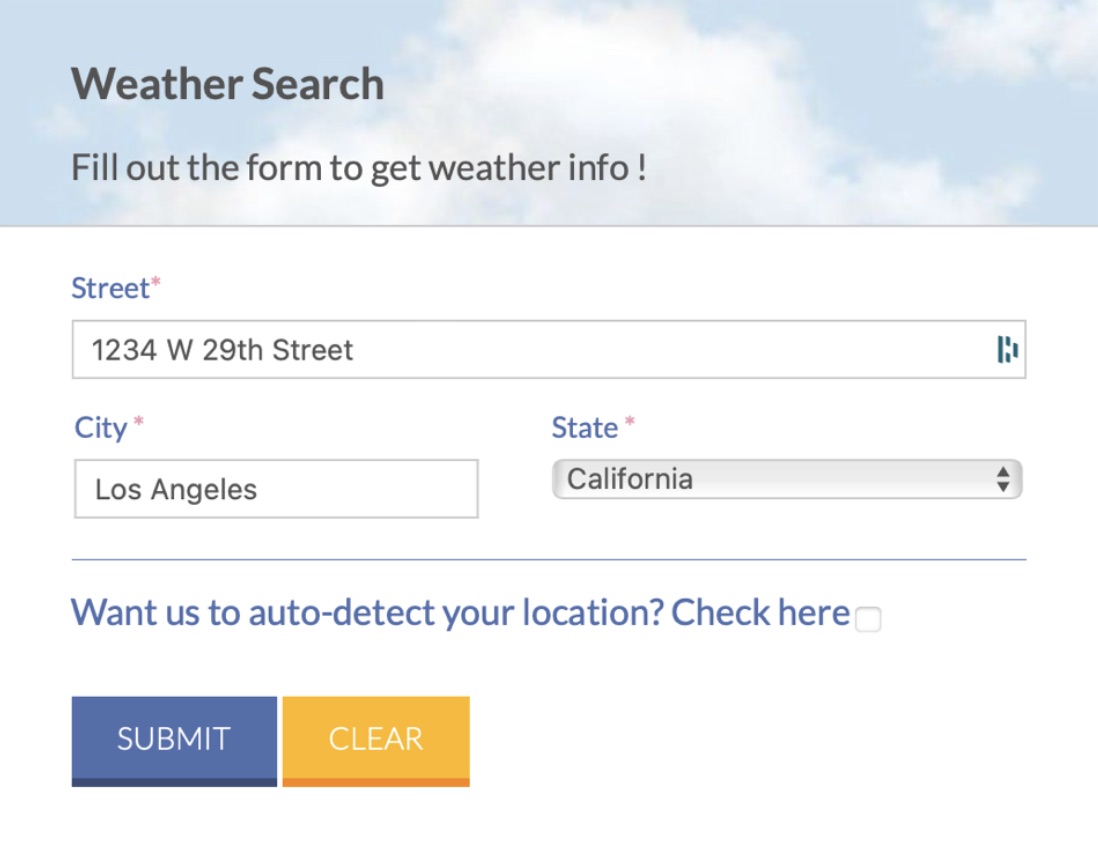
Example of a valid address search
Once a valid search is made, these 2 html cards will be displayed below:
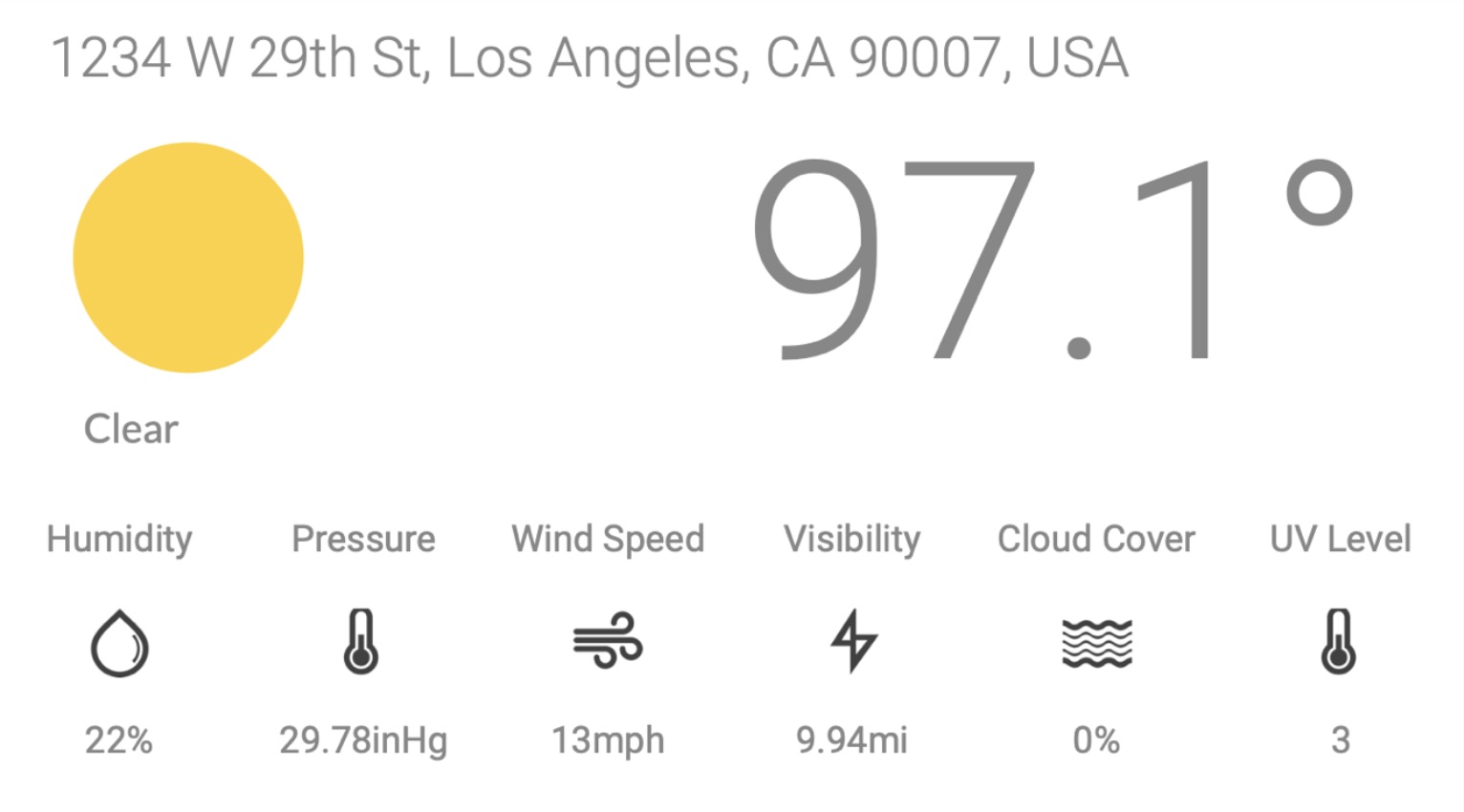
First output of a valid address search
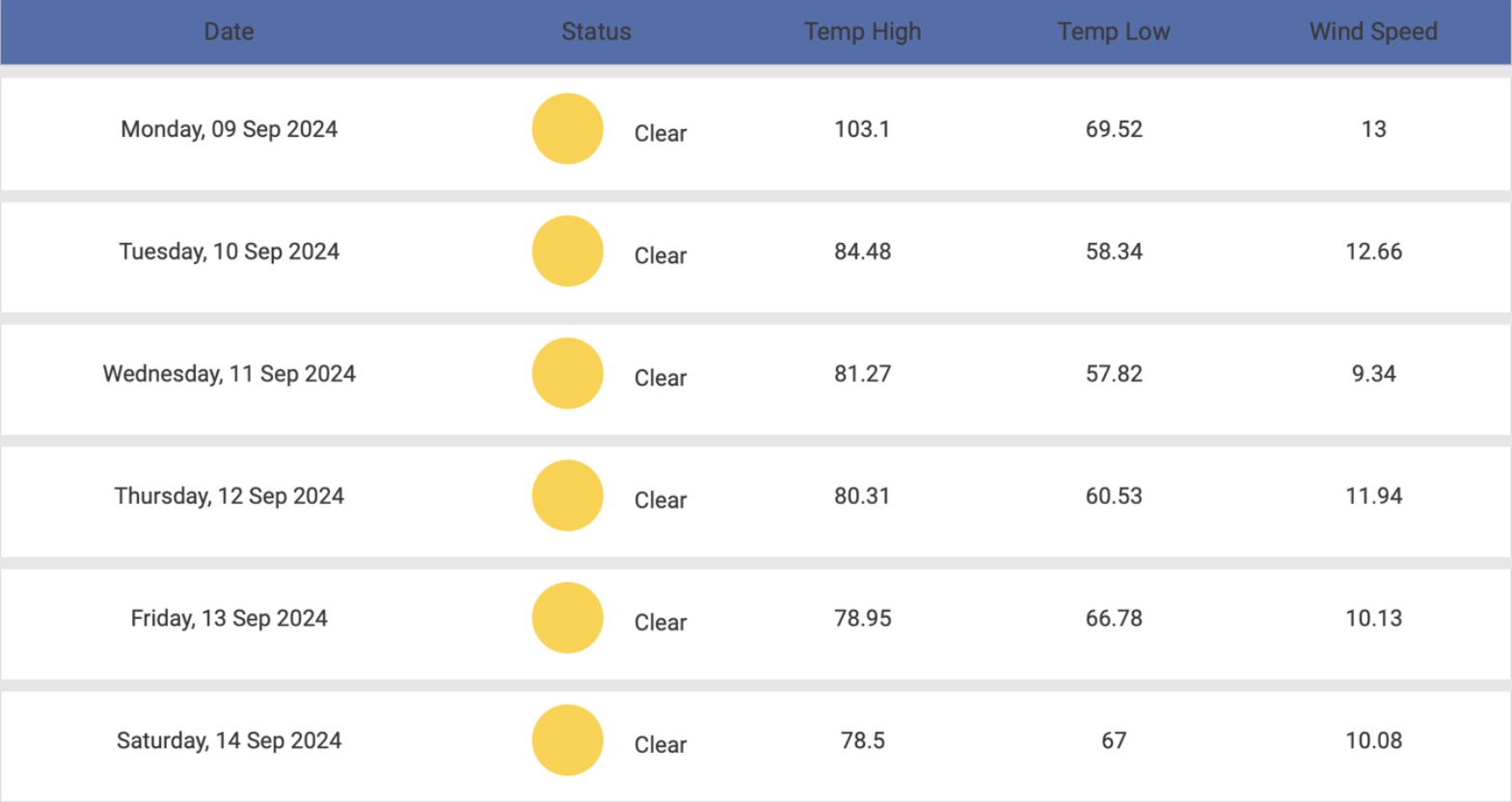
Second ouput of a valid address search
The table result displays weather results for the next 5-6 days, including the search day
Displaying Detailed Summary of the Weather
In the search results table, clicking on a record's date displays a detailed breakdown of the daily weather. The detailed information is fetched using the same API parameters as the initial request, leveraging the Tomorrow.io API to retrieve JSON data. The page dynamically populates a dedicated section with this detailed weather data for seamless user interaction.
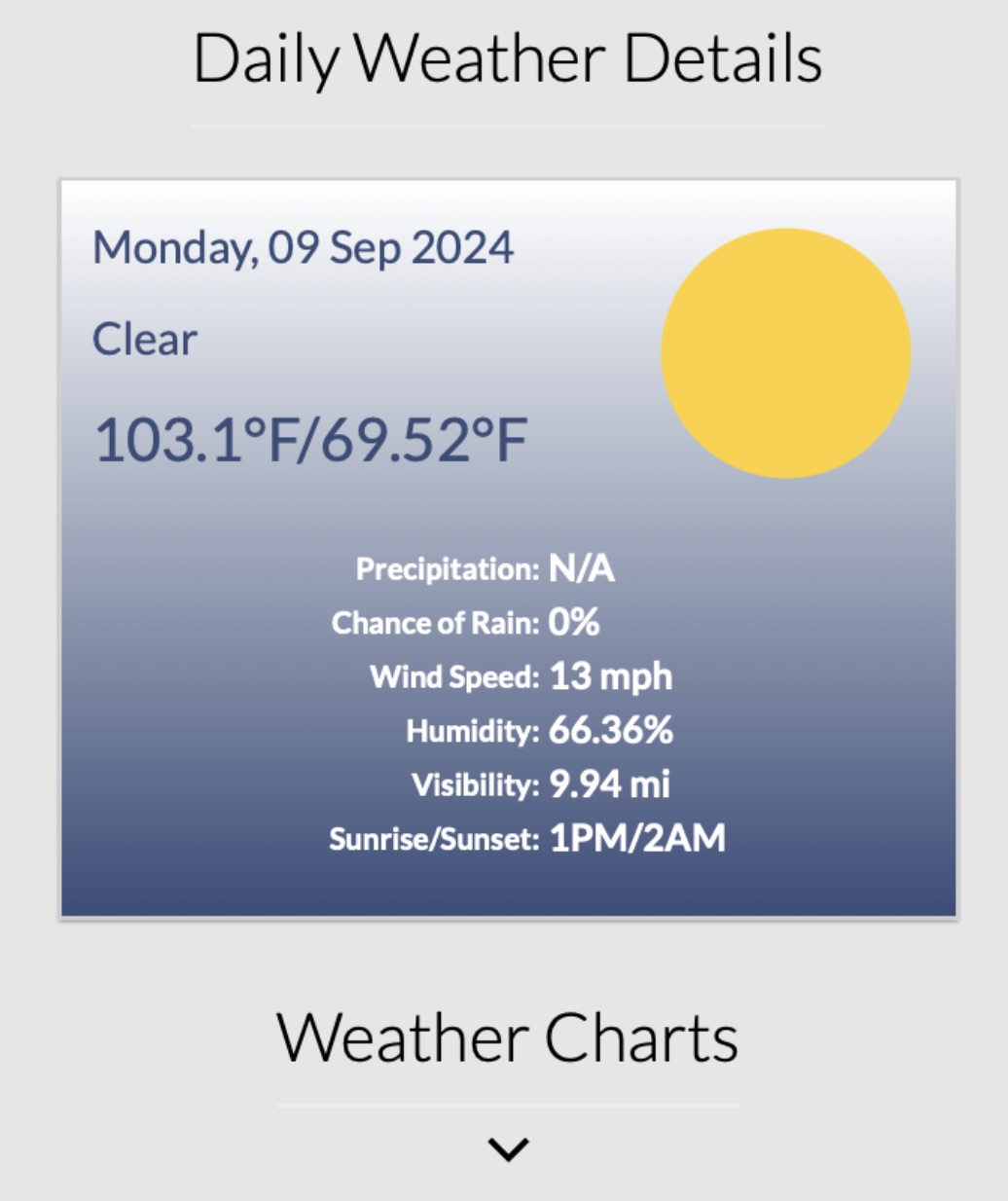
Below the Daily Weather Detail, an hourly weather chart is available but hidden by default. Users can toggle the visibility of the "Weather Charts" section by clicking a button which expands the chart when clicked if hidden, or collapse it if already open, enabling seamless control over the display.
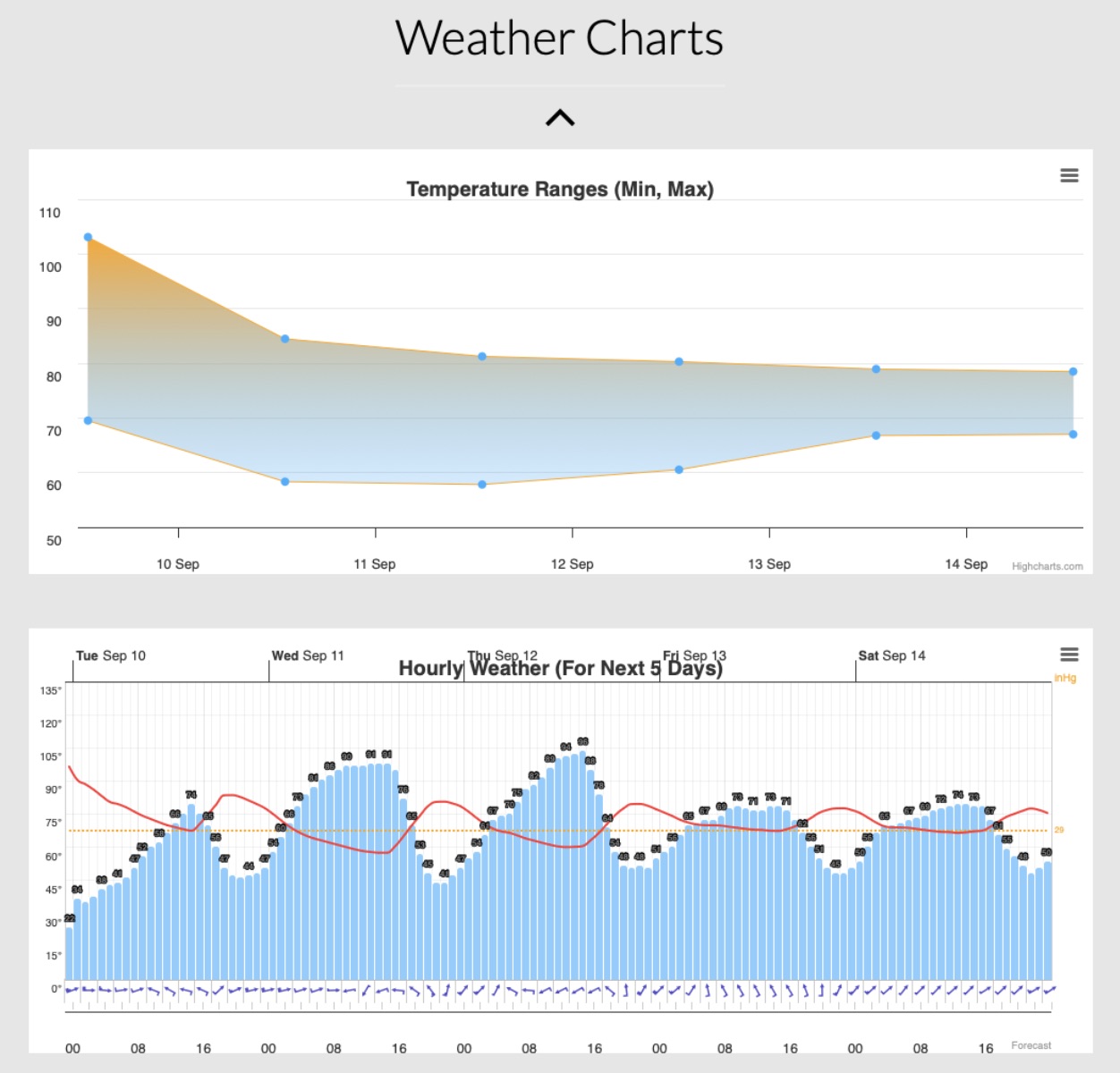
Highcharts API Service
I created a temperature range (Min, Max) weather chart using the Highcharts API. The chart dynamically displays daily temperature trends over a 5-day period, starting from the current day. This visualization highlights temperature fluctuations and provides an interactive way to explore weather patterns.
The second chart is an interactive hourly meteogram for the next 5 days using data from the Tomorrow.io API. The chart displays hourly weather trends starting from the current time, providing a detailed view of weather changes over a 5-day period. Data is retrieved dynamically through API calls to ensure accurate and up-to-date visualization.